Plan the Right Salesforce Setup
If you’re working through a Salesforce setup, or fixing one, we can help you map it properly before small issues turn into bigger ones.




Most teams looking at ecommerce platforms don’t automatically turn to Salesforce Commerce Cloud. They get there after things stop lining up.
Orders live in one system. Customer data sits somewhere else. Support is guessing. Marketing is working off segments that don’t reflect what just happened five minutes ago. People patch it together with exports, Slack messages, and whatever they can remember.
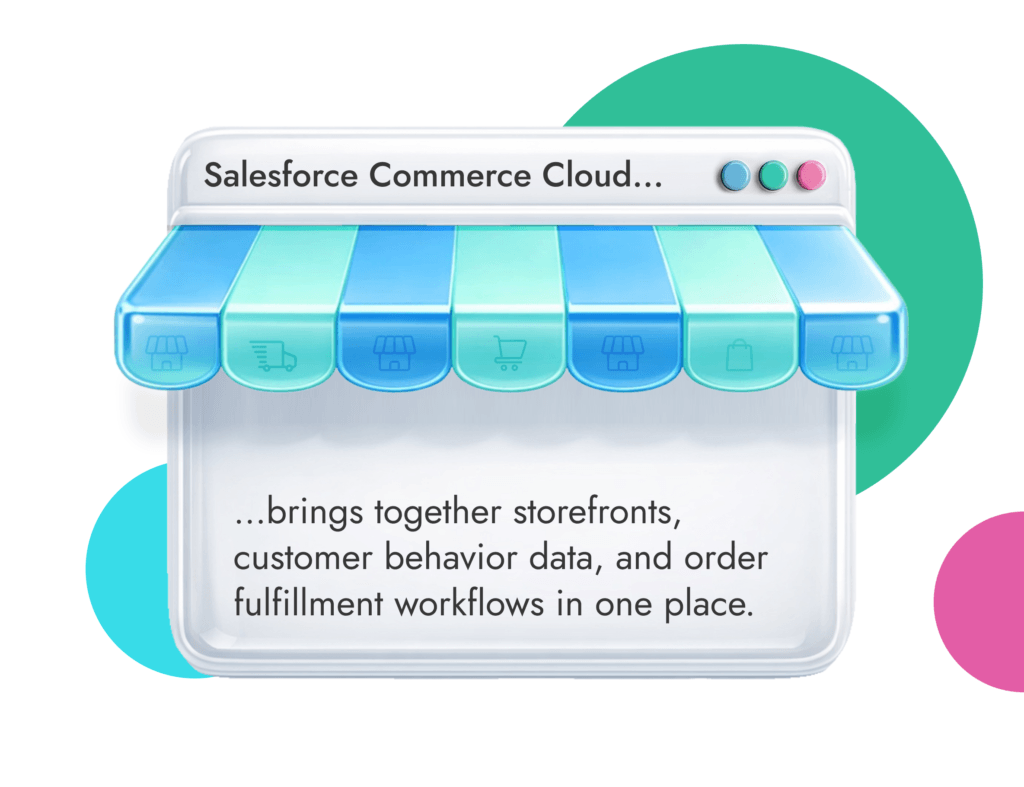
Salesforce ecommerce brings storefronts, customer activity, and order workflows into one place, so teams aren’t constantly reconciling what should already match.
The draw is connectivity. Instead of treating ecommerce as a separate system from everything else, you get all the tools you need in one place.
Plus, the value is growing. What used to sit clearly under “Commerce Cloud” is now being pushed under Agentforce Commerce Cloud, with a bigger focus on AI-assisted shopping and connected workflows across sales, service, and commerce.
Salesforce Commerce Cloud is an ecommerce platform, but calling it that on its own doesn’t really explain why companies end up moving to it.
What the Salesforce ecommerce solution does is bring an entire ecosystem together. Support, Sales, Marketing, order tracking, everything exists within Salesforce SFCC.
The name has changed lately, to “Salesforce Agentforce Commerce” which reflects the company’s growing focus on guided shopping, AI support, and connected workflows across sales, service, and commerce. It sounds like a marketing change at first, but it lines up with what’s actually happening inside most businesses. Commerce isn’t isolated anymore, and Agentforce for Sales makes alignment, personalization, and efficiency much easier to master.
What the SFCC platform does, in practical terms, is hold together the parts that tend to drift:
The important bit is how it connects to everything else. Commerce Cloud doesn’t sit on its own. It links into the rest of Salesforce:
That’s the idea behind ecommerce in Salesforce. Not replacing every system, but making sure they’re working off the same information.
Salesforce Commerce Cloud works because it doesn’t force every business into the same selling model.
Some companies sell directly to consumers. Others sell through distributors, contracts, or account-based pricing. Quite a few sit somewhere in between. The platform is built to handle that mix, which is a big part of the Salesforce Commerce Cloud business model.
| Aspect | B2C Commerce | B2B Commerce |
| Buyer type | Individual consumers | Business accounts |
| Pricing | Fixed or promotional | Contract / account-based |
| Order size | Small, frequent | Large, repeat |
| Buying process | Fast, emotional | Structured, approval-based |
| Key features | Personalization, promotions | Bulk orders, reorders, approvals |
| Complexity | Medium | High (due to integrations + pricing logic) |
Salesforce B2C Commerce Cloud is built for brands that sell straight to companies. That might be retail companies, ecommerce brands, or subscription sellers.
What matters here isn’t just having a storefront. It’s how that storefront reacts:
Salesforce leans heavily into personalization here. Every customer gets recommended products and insights based on search behavior, browsing history, and other details.
So, what is Salesforce B2B commerce? Simply put, the business-focused version.
You’re not dealing with one buyer making a quick decision. You’re dealing with accounts, pricing agreements, repeat orders, and approvals that don’t happen instantly.
That’s what Salesforce is built for on the B2B side:
It’s less about “shopping” and more about making the buying process easier for people who already know what they need.
The tricky part is that B2B rarely lives on its own. It almost always connects to ERP systems, finance tools, and existing processes that don’t change easily. That’s where complexity comes in.
If your pricing, orders, and approvals don’t quite line up, we’ll help you design a Salesforce setup that reflects your needs.
Most platforms list features. That part is easy.
What really matters is how those features hold up once the system’s live and teams depend on it day to day. Companies that use Salesforce for ecommerce usually rely on several parts working together without constant fixing.
| Feature Area | What It Does | Why It Matters |
| Storefronts | Manages online stores and UX | Controls how customers browse and buy |
| Personalization | AI-driven recommendations | Improves conversion and engagement |
| Order Management | Tracks and routes orders | Reduces errors and delays |
| Integrations | Connects CRM, ERP, etc. | Keeps data consistent |
| Multi-site | Supports multiple regions/brands | Enables scaling |
Salesforce ecommerce cloud gives you a lot of control over how storefronts are built and managed. You can run:
All from the same system.
There are also two main ways to approach it:
A more traditional setup usually gets you live sooner. A composable build can take a while longer, but gives you more freedom later on.
This is where Salesforce is putting a lot of attention right now.
Recommendations, search behavior, and product suggestions have been around for a while. What’s newer is how far Salesforce SFCC is pushing into guided shopping.
Instead of just showing products, the system can:
In practice, it works best when the data behind the Salesforce ecommerce platform is clean. If product data is inconsistent or customer activity isn’t properly tracked, the output feels off. And once customers stop trusting recommendations, they ignore them.
This is one of those ideas that sounds obvious until you see how often it breaks.
Customers move between:
But systems don’t always follow.
Salesforce Commerce Cloud is built to connect those touchpoints so:
It also ties into POS and order workflows, not just ecommerce. That matters because a lot of purchases still involve physical stores, even when the journey starts online. Without that connection, teams end up asking the customer to explain what already happened.
Orders are where most problems show up.
Not when they’re placed. When something changes:
Salesforce Commerce Cloud (SFCC) includes order management as part of the wider setup, so teams can:
It helps reduce those “let me check that for you” moments that slow everything down.
But again, it depends on integration. If order data isn’t syncing properly with other systems, the visibility isn’t as reliable as it should be.
This is one of the reasons larger brands lean toward SFCC. Salesforce lets you manage:
Without rebuilding everything each time.
That becomes important once you start expanding. Especially when each market has slightly different rules, products, or pricing structures.
This is probably the most important part, even though it doesn’t always get the most attention. Ecommerce on Salesforce needs to be connected with everything else.
That means linking commerce with:
There are plenty of ways to do that. Native connections, third-party tools, custom builds. The challenge isn’t connecting systems. It’s making sure they stay aligned over time.
Payments don’t get talked about as much, but they’re part of the same picture.
Salesforce supports:
The idea is pretty simple. Make checkout feel smooth without causing problems later on. It sounds easy, but payment issues or failed transactions can kill a sale quickly, which is why this part ends up mattering more than people expect.
Most teams don’t switch because they want new features.
They switch because things feel harder than they should. Too many checks. Too many mismatches. Far too many “can you confirm this?” moments.
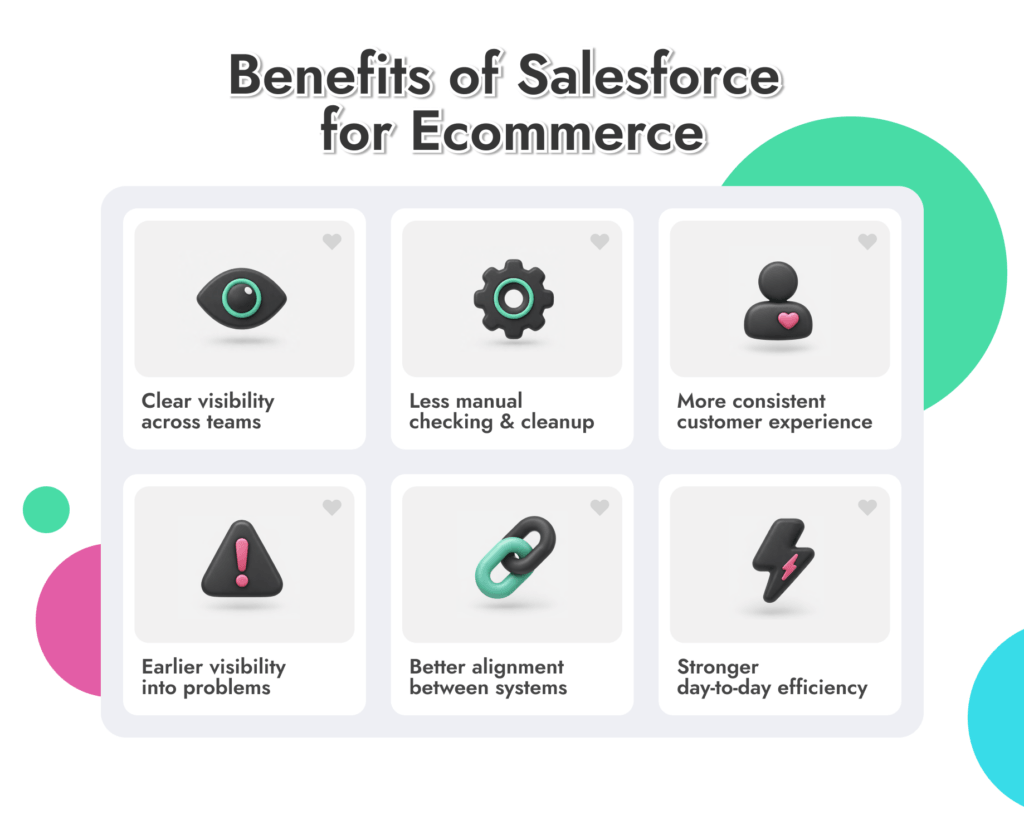
That’s where Salesforce for ecommerce starts to make sense. You get:
According to a Forrester TEI study, companies get an average 165% ROI from Salesforce Commerce Cloud. That’s not a small increase.
Getting Commerce Cloud live isn’t the hard part. Getting it to behave the way your business actually runs is where most of the work is.
At a basic level, Salesforce Commerce Cloud development covers:
Getting ecommerce in Salesforce to work well can be easy, but complexity depends on aw few things:
A basic storefront can come together fairly quickly. Once you’re dealing with multiple regions or B2B requirements, it slows down. Things like approvals, contracts, and custom pricing add more to think through.
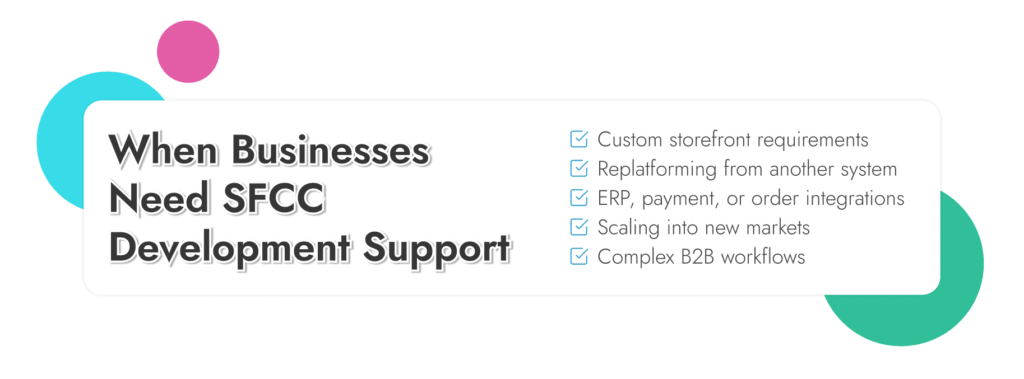
Most companies look at Sales force Commerce help when they’re dealing with:
Most teams can get something live on their own. The problems tend to show up later. When volume increases, edge cases appear, and systems need to stay aligned without constant manual work.
Pricing for Salesforce Commerce Cloud isn’t something you can pin down with a simple number.
Salesforce doesn’t publish flat rates for most commerce products. Instead, it structures pricing around packages, scale, and what you actually need the platform to handle.
Salesforce currently groups commerce offerings into:
Most of these are listed as “contact for pricing,” which usually means the final cost depends on how the setup is scoped.
License cost is only part of it. Implementation, integration, and ongoing changes often end up being just as significant. Sometimes more, especially as the system grows.
Short answer, it depends on how complicated your setup is.
If you’re running a single storefront with simple pricing and a small team, Salesforce Commerce Cloud can feel like more than you need. There are easier ways to get live and manage day-to-day work. You might consider Salesforce Commerce Cloud vs Shopify instead.
But once you’re juggling:
Salesforce starts to make more sense.
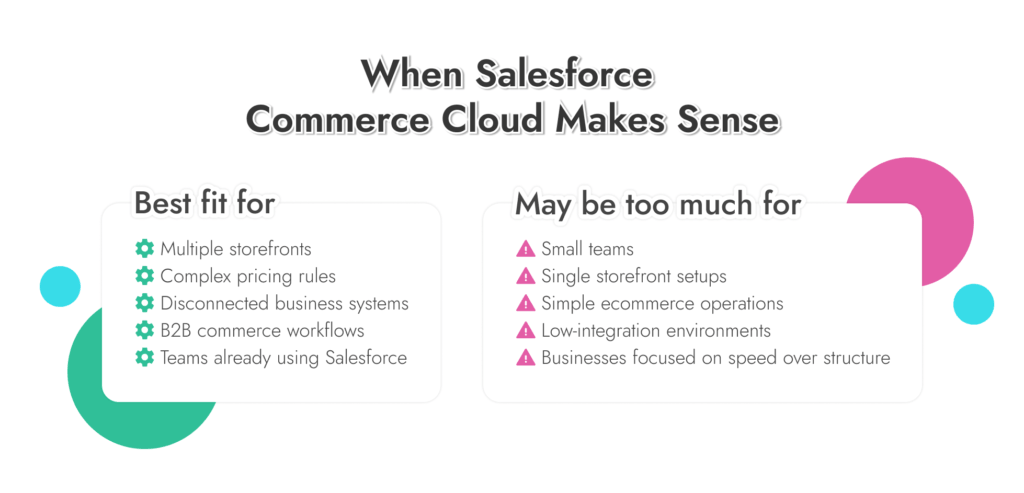
Where it tends to work well
Where it can feel like too much
We’ll look at how your orders, data, and workflows actually run, and show whether Salesforce Commerce Cloud fits or just adds complexity.
Most teams don’t struggle because Salesforce is missing something. They struggle because the setup doesn’t quite match how things actually work.
You see it pretty quickly. Orders don’t line up across systems. Reports need explaining. People keep a backup spreadsheet “just in case.” Nobody says it out loud, but the system isn’t fully trusted.
That’s usually where we come in.
Sometimes it’s before anything is built.
A team is trying to figure out if Salesforce Commerce Cloud even makes sense for them, or how it should fit with everything else they’re running. That part matters more than people expect. If the structure’s off early, it carries through everything.
Other times, it’s already live and things don’t work cleanly. We deal with:
A lot of it is just getting things aligned so teams don’t have to think about the system while they’re doing their job.
Once your system goes live, we don’t disappear. We’re there to help as your Salesforce Commerce Cloud development needs evolve.