 Suomi
Suomi Français
 Deutsch
 Polski
See the Big Picture Instantly
With a single glance at your HubSpot reporting dashboard, spot trends across marketing, sales, and service, all in one place. No toggling or blind spots, just clarity.



Imagine having one place where all your data finally makes sense. That’s what HubSpot reporting tools offer: a clear, central hub where your sales, marketing, and service numbers come together in a way that’s easy to follow and easy to act on. No more wrestling with clunky exports or flipping between half a dozen platforms.
With flexible HubSpot custom reports and visual dashboards, you’ll see where you’re excelling, and where things are slipping, fast. Whether you’re fine-tuning a HubSpot analytics dashboard for your sales team or keeping tabs on overall performance, everything adjusts to fit your needs.
And because it all runs inside your HubSpot CRM, setup is seamless and everything stays in sync. Routine Automation helps make sure your HubSpot reports aren’t just accurate – they’re fine-tuned to match what matters to your business.

With a single glance at your HubSpot reporting dashboard, spot trends across marketing, sales, and service, all in one place. No toggling or blind spots, just clarity.
Your business is unique, so why settle for cookie-cutter dashboards? Design a HubSpot custom dashboard that reflects how your team really works.
No time to build from scratch? Use plug-and-play templates to spin up HubSpot reports and dashboards that track performance fast.
Set, track, and smash goals across your pipeline with built-in goal tracking. Your HubSpot analytics dashboard keeps your whole team aligned.
HubSpot custom reports let you analyze relationships across contacts, companies, deals, and tickets. You’ll understand your pipeline in ways spreadsheets never could.
Whether it’s five users or five teams, your HubSpot dashboards scale with your business. Add more users, more reports, and more insights, without adding more complexity.
You don’t need a generic dashboard; you need one that reflects your business. That’s exactly what we build.
At Routine Automation, we help B2B teams turn raw data into sharp strategy using fully customized HubSpot reporting tools. From configuration to long-term optimization, we partner with you to build HubSpot dashboards and reports that actually drive performance.
We’ve spent over five years helping teams across industries centralize insights, streamline operations, and uncover game-changing opportunities with HubSpot’s powerful analytics suite. Whether you’re scaling fast or optimizing what’s already there, we help you connect the dots and move smarter.
Want to see what powerful reporting really looks like inside HubSpot?
Dive behind the scenes in this practical walkthrough, where you’ll learn exactly how to turn your HubSpot account into a single source of truth. You’ll learn how to connect CRM data with marketing, sales, and service activity, bring in data from other tools, and build custom reports that actually answer the questions your team cares about.
If you’re serious about building better HubSpot dashboards, start here.
We start by getting to know your business: your tools, your goals, and how your team uses data. From there, we shape a roadmap that fits your world, not someone else’s.
Next, we build out the framework: your HubSpot reporting dashboard, integrations, user access, and syncing rules, all tailored to your workflows.
We help translate your reporting needs into clean, visual stories. Your HubSpot custom dashboards won’t just look great; they’ll deliver insights people actually understand and use.
Before anything goes live, we double-check the details: data accuracy, visual layout, performance across devices, and user access.
Once everything’s ready, we roll it out, delivering hands-on training and resources to make sure your whole team is confident and on board from day one.
The work doesn’t stop at launch. We stick around to fine-tune, troubleshoot, and help you evolve your HubSpot reporting tools as your business changes and grows.
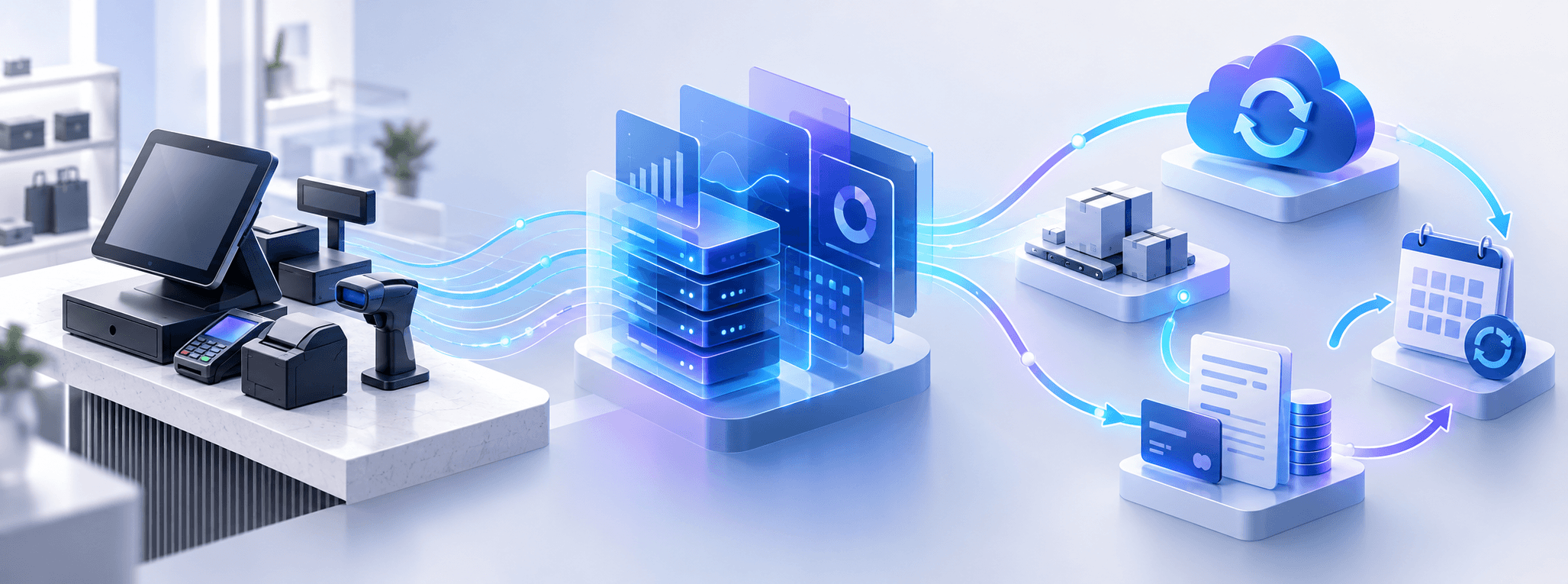




Most reporting tools feel like they live in a different universe from your CRM. HubSpot doesn’t. Everything’s built into one platform, so your data isn’t scattered, and you’re not guessing. You get a full view of your customer journey, right there in your dashboard.
Yes. If your team’s already using other CRMs or marketing apps, there’s a good chance HubSpot connects with them. We’ll help you bring that data in, clean it up, and make it work for reporting.
A lot. You can tweak layouts, change charts, drag things around, filter data, and build custom views for each team. You’re not stuck with cookie-cutter templates, unless you like them (they’re there too).
Of course. HubSpot is designed to scale, whether you’re adding five new users or launching an entirely new sales team. You won’t need to rebuild everything just because your business grows.
We take access seriously. You’ll have full control over who sees what. That means user permissions, role settings, and clear boundaries for sensitive info, all built in from day one.
It depends on how complex things are, but most setups take a few weeks, not months. We move quickly but make sure everything works the way it should.
Absolutely. We’ve got training resources, experts to answer questions, and specialists that can stay close even after launch to help keep things running smoothly.
Definitely. Sales can track deals, marketing can focus on campaigns, and leadership can get the high-level overview. Everyone gets their own view, with no overlap unless you want it.
We actually listen. We’re not just plugging in dashboards, we’re learning how your team works, what you care about, and how to make the data useful, not overwhelming.
Yes, and they’re powerful. You can combine data across objects, filter it how you like, and visualize it in a way that actually makes sense to your team.