If you’ve used Salesforce for a while, you already know one the platform is huge and packed with tools to support your sales, marketing, and service teams. After a while though, most companies start looking for add-ons to help increase the value of the system.
Maybe your sales team needs cleaner data. Maybe support wants faster messaging tools. Or your admins are juggling deployments with too many spreadsheets.
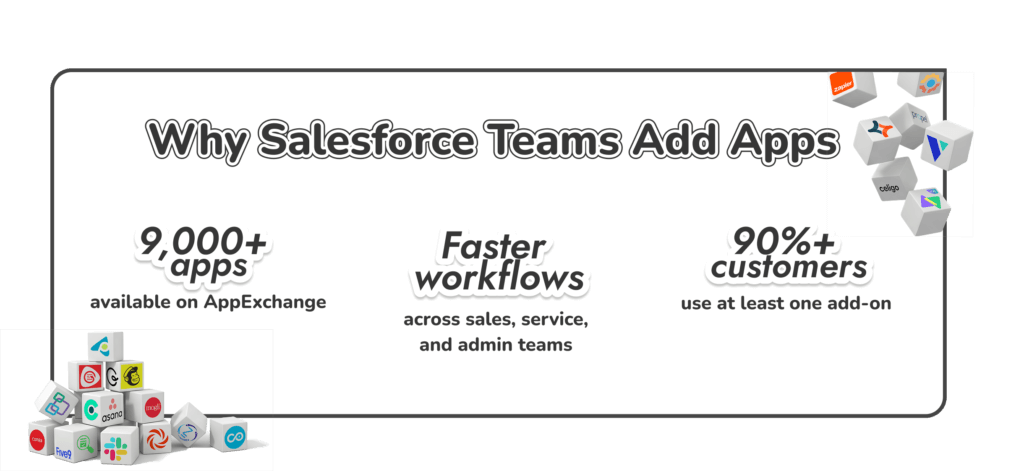
That’s where Salesforce apps start to become so valuable, and the ecosystem for them is huge. Right now, there are more than 9,000 Salesforce marketplace apps on AppExchange, and more than 9 out of 10 customers install at least one add-on from the store.
The size of the catalog creates a different problem though. Choosing the best Salesforce AppExchange apps is harder than ever. Fortunately, years of experience offering Salesforce integration services to companies from a range of industries has given us a good idea of which tools actually have the biggest impact.
Understanding AppExchange Apps for Salesforce
There are actually quite a lot of apps for Salesforce out there today. You’ll find plenty of Salesforce third party apps, custom-built options, and connectors. AppExchange is really just the central store for most of the best Salesforce apps, pre-designed to align with the ecosystem.
The store includes simple add-ons, full enterprise platforms, automation packs, industry tools, and plenty of tools that connect Salesforce to everything from payment systems to mapping engines.
One of the biggest draws is how quickly these solutions slot into the CRM. Most tools link straight into objects, permissions, or Flow, and a good portion of them work right out of the box. You don’t always need a developer to install something useful, though for heavy integrations, it can help.
If you’re trying to figure out what apps can you connect with salesforce, AppExchange tends to be the safest starting point, since every listing passes a security review before it goes live.
Build the App You Wish Salesforce Had
If your team needs a tool you can’t find on AppExchange, we can design and build it for you. Get expert help turning your ideas into a working salesforce application that fits your workflow.
The “best” Salesforce apps aren’t the same for everyone. It really depends on what your team’s trying to get done and how you like to work. Some folks eventually go as far as getting help through Salesforce AppExchange development so they can shape something that fits them better. But honestly, most of the companies we hear from start with a small group of Salesforce AppExchange apps that cover the basics before they get fancy.
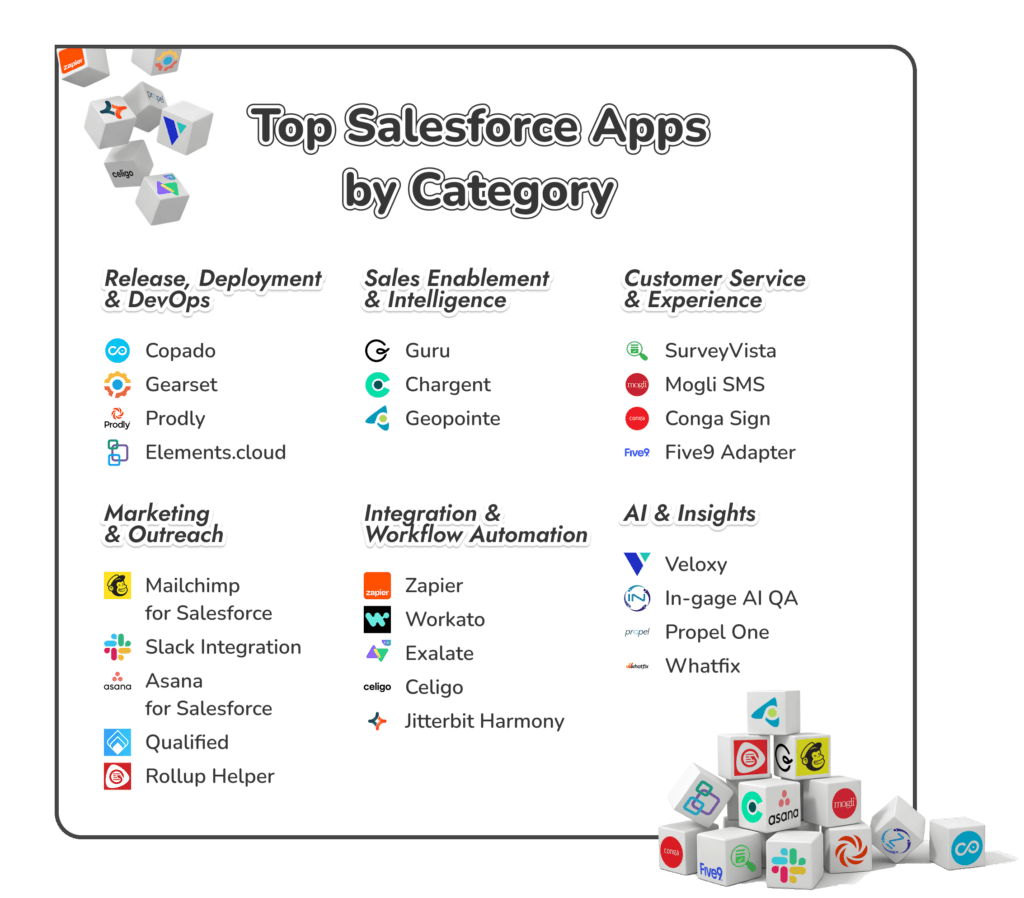
Release, Deployment & DevOps AppExchange Apps
Anyone who’s worked in a busy Salesforce org knows how quickly things can get tangled. A small field change turns into a workflow issue. Someone forgets to update a sandbox. Two people deploy at the same time. That’s why DevOps SDFC applications have become so important. They bring a bit of order to a platform that never stops moving.
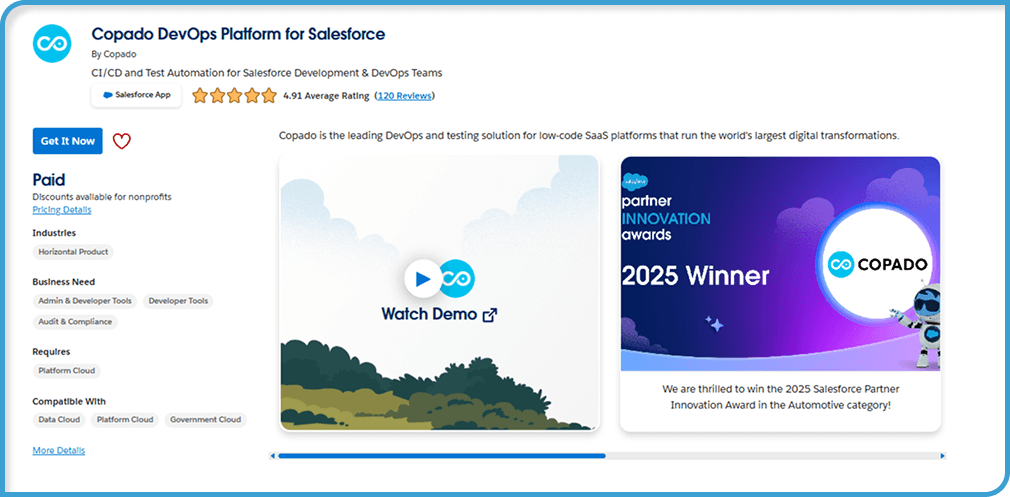
Copado
Best for ⮕ Larger teams working across multiple sandboxes.
Copado gives release work a place to live. Pipelines, approvals, and tests stay together so everyone knows what’s moving and when. It cuts down on the “did we already deploy this?” moments that pop up in busy orgs.
Key features:
Visual release pipelines
Approval paths and testing steps
Deployment tracking and version history
Compliance tools for regulated industries
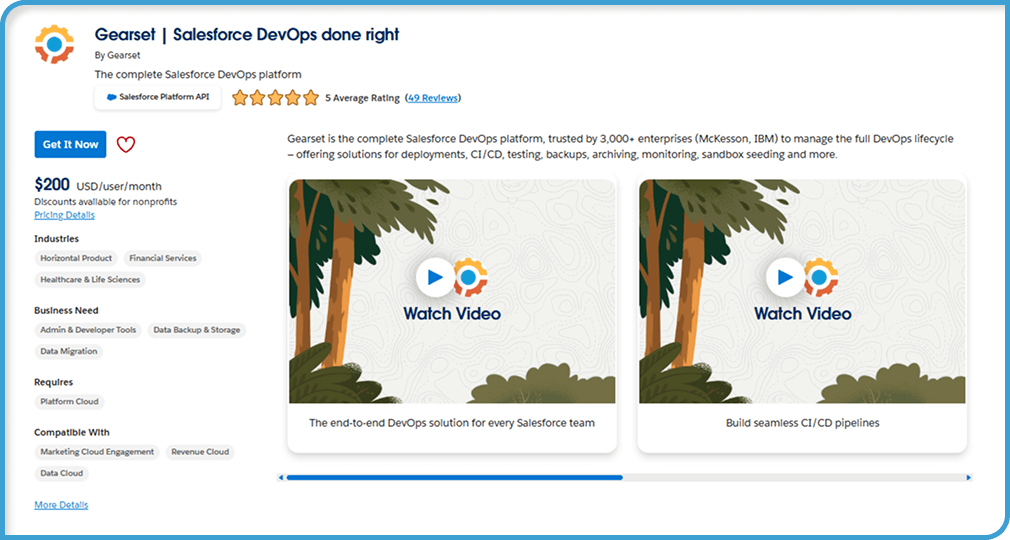
Gearset
Best for ⮕ Teams that want simple, predictable deployments.
Gearset compares Salesforce environments so you can see what changed before you deploy anything. It makes releases cleaner and gives you a way to roll things back if something breaks.
Key features:
Quick environment comparisons
Deployment automation
Rollback and restore tools
Unexpected-change monitoring
Prodly
Best for ⮕ Admins managing CPQ or configuration-heavy orgs.
Prodly handles configuration data, the kind that’s painful to move by hand. It pushes related records between orgs without spreadsheets or risky exports.
Key features:
Automated CPQ and reference-data deployments
Versioning for configuration data
Dependency handling
Admin-friendly setup
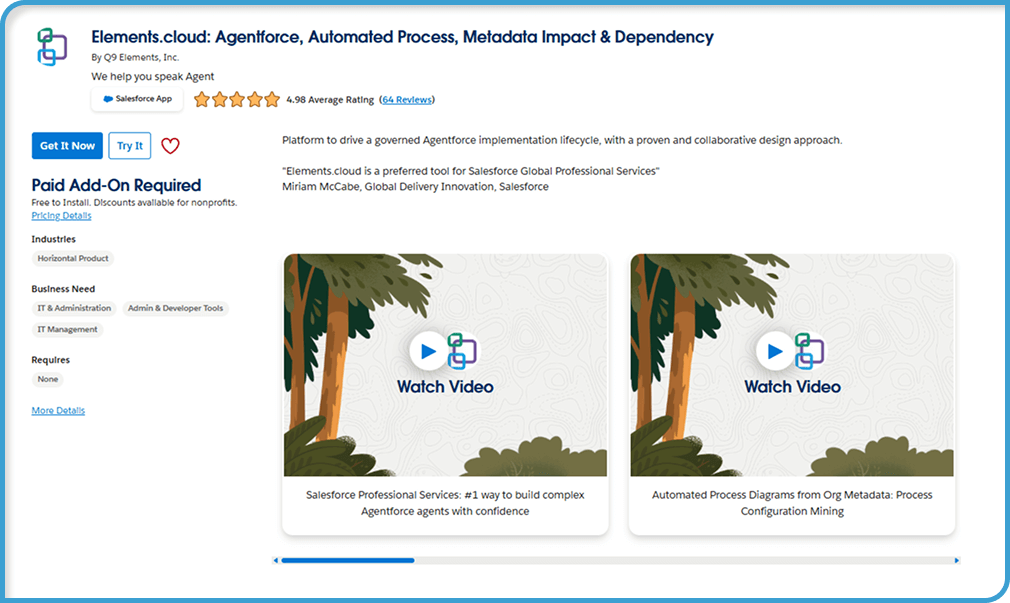
Elements.cloud
Best for ⮕ Teams with older orgs or unclear configuration history.
Elements.cloud lets you peek behind the curtain and see how your org fits together. You can look at fields, flows, and all the little connections you usually forget about. It makes it easier to see what might break before you make a change.
Key features:
Dependency and impact mapping
Business process documentation
Org metadata insights
Change intelligence for safer updates
Sales Enablement & Intelligence Apps
Sales teams depend on Salesforce, but the default setup rarely covers everything. Reps bounce between tabs, chase missing details, or rely on notes that never made it into the system. These Sales force applications help smooth out those gaps so reps can work faster and with less noise.
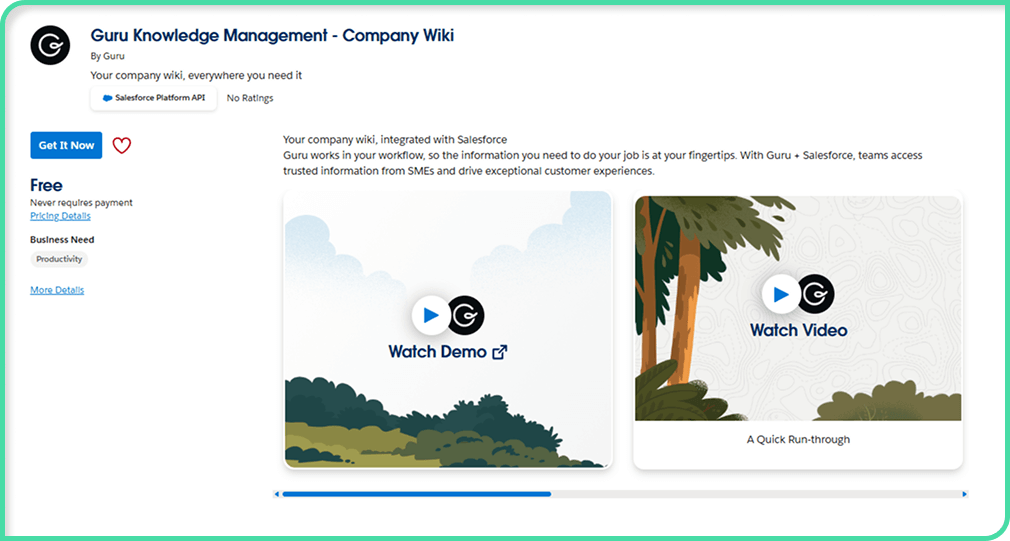
Guru
Best for ⮕ Teams that lose time hunting for answers.
Guru brings the important information like pricing rules, product details, and ownership questions straight into Salesforce. Instead of digging through old documents or Slack channels, reps see what they need right where they’re working.
Key features:
In-Salesforce knowledge cards
Verified, up-to-date answers
Easy content management
Fast access to product and process info
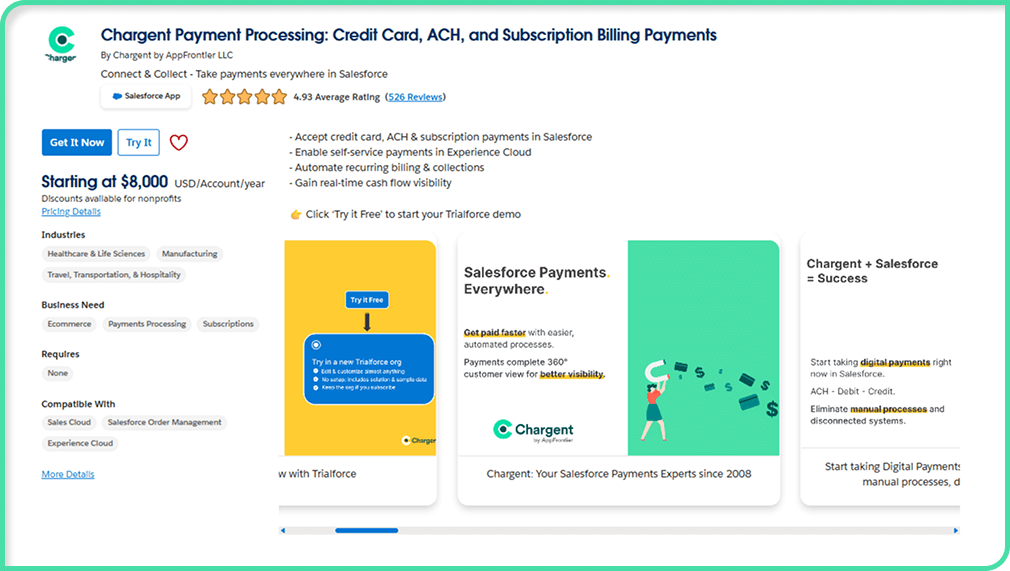
Chargent
Best for ⮕ Revenue teams that want payments tied to opportunities.
Chargent lets teams collect payments inside Salesforce instead of switching tools. Cards, recurring billing, and collections all fits into the CRM, so the revenue process stays in one place.
Key features:
In-CRM payment processing
Recurring billing
Automated collections
Transaction tracking on opportunities
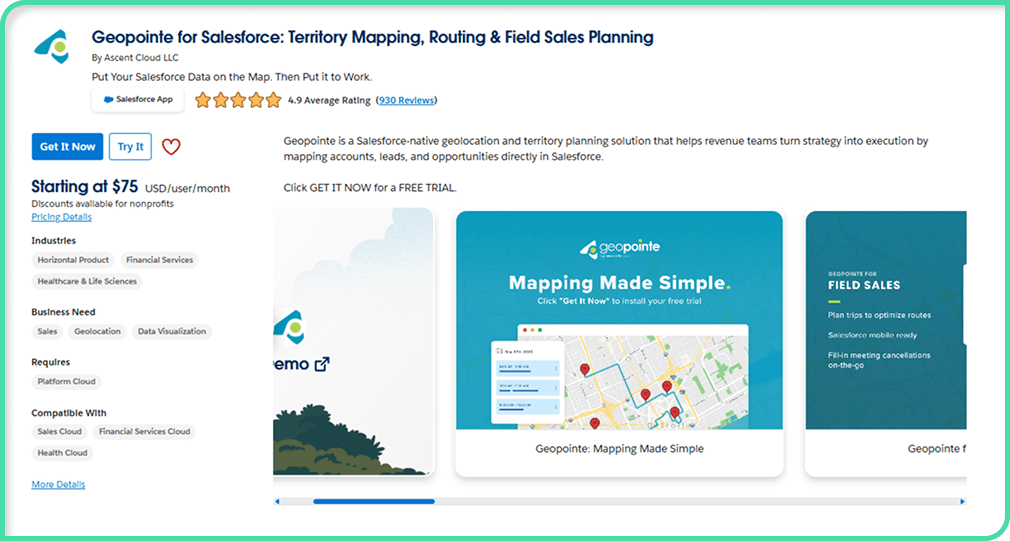
Geopointe
Best for ⮕ Field sales teams and territory planning.
Geopointe turns Salesforce data into maps. Real maps with routes, regions, and visit plans. It helps reps plan smarter trips and gives managers a clearer picture of territory coverage.
Key features:
Map-based account views
Route optimization
Territory design tools
On-the-road mobile support
Salesforce Apps for Customer Service & Experience
Support teams usually spot issues before anyone else. A form breaks. A text never arrives. Someone tries to sign a document and the link just stops working. These small problems stack up fast, which is why so many teams bring in an extra Salesforce application to keep things steady.
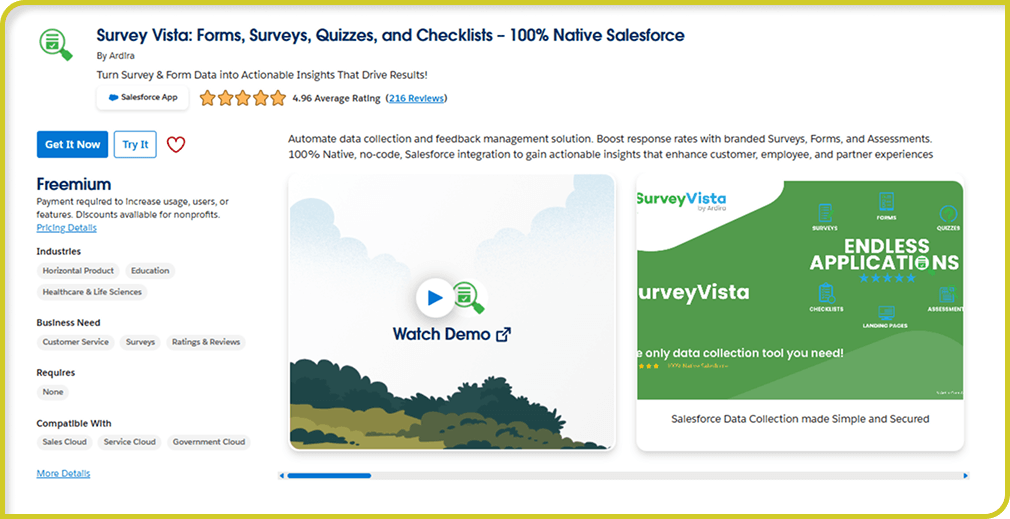
SurveyVista
Best for ⮕ Clean, in-CRM customer feedback.
SurveyVista keeps surveys inside Salesforce, so comments and scores land exactly where they should. No exports. No random data living outside the CRM. Just simple feedback tied to real records.
Key features:
Native NPS, CSAT, and CES surveys
Automated survey triggers
Responses linked to cases and accounts
No external data storage
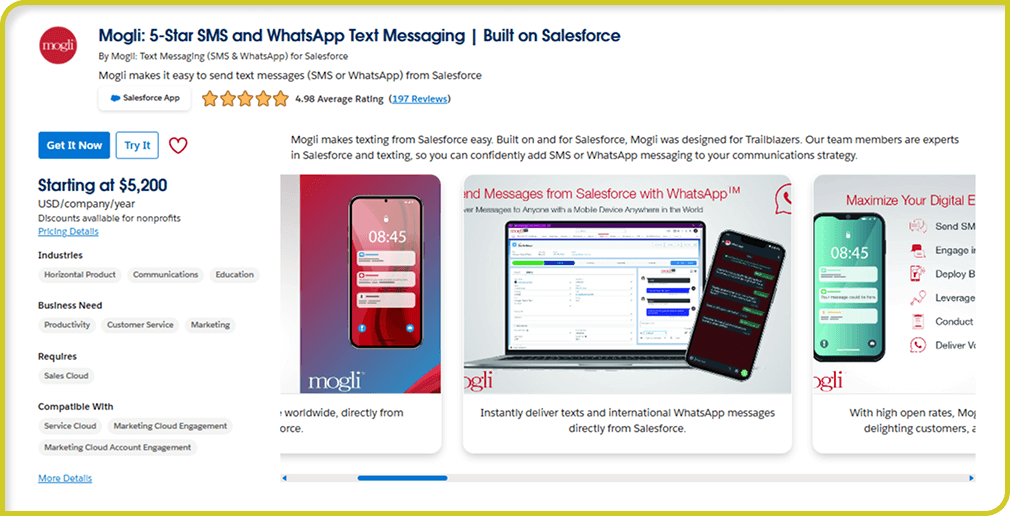
Mogli SMS
Best for ⮕ Fast responses and short service loops.
Mogli gives reps a way to send SMS, MMS, or WhatsApp messages straight from Salesforce. It’s quick, personal, and perfect for moments when an email would slow everything down.
Key features:
Two-way texting inside Salesforce
SMS, MMS, and WhatsApp support
Automated message flows
Works well for reminders and quick check-ins
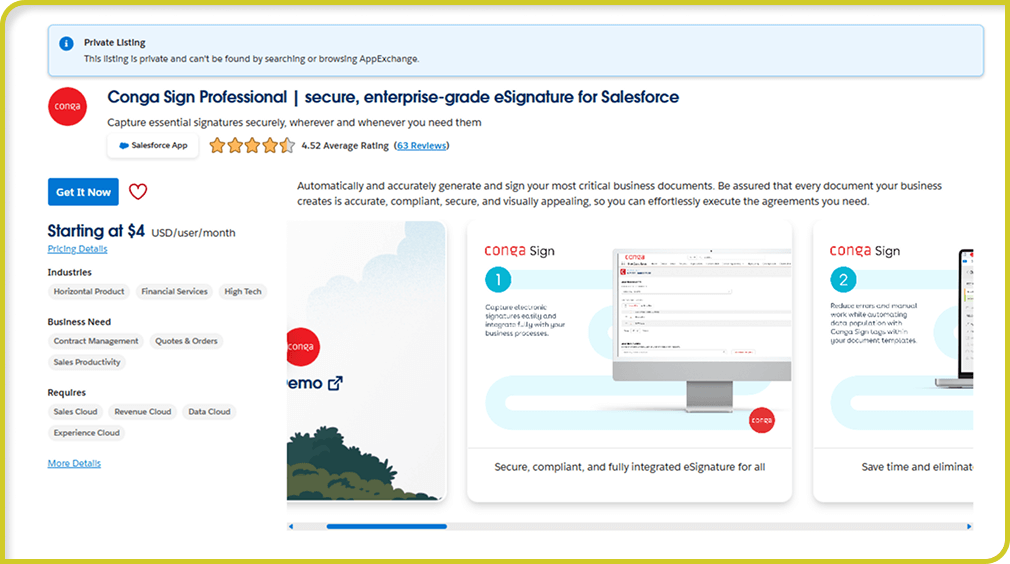
Conga Sign
Best for ⮕ Any case or request that needs a signature.
Conga Sign lets customers sign documents without leaving your workflow. No external portals. No complicated steps. It clears the bottlenecks that usually stop a case from moving forward.
Key features:
In-CRM eSignatures
Secure, compliant signing process
Works with standard Salesforce flows
Tracks signed documents automatically
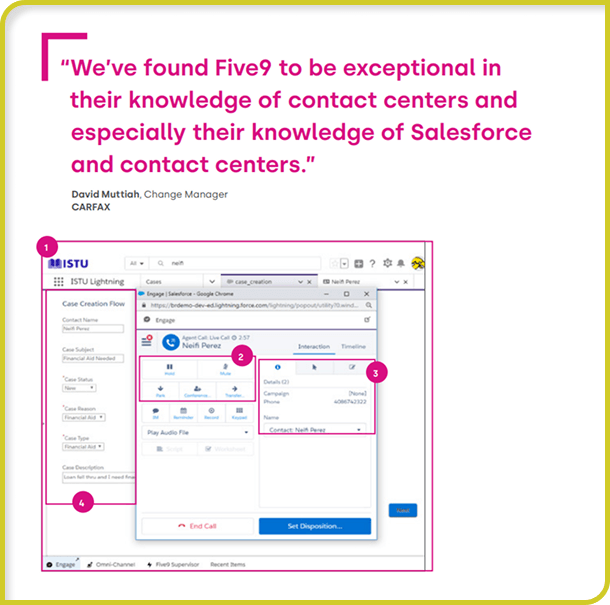
Five9 Adapter
Best for ⮕ High-call-volume customer service teams.
Five9 connects your phone system to Salesforce so reps aren’t switching between screens all day. Incoming calls bring up the right record, and logs get saved without extra steps.
Key features:
CTI integration
Automatic call logging
Screen pop for incoming calls
Support for queues and call routing
Marketing & Outreach Salesforce Applications
Marketing work rarely sits in one place. Some of it lives in Salesforce, some in a shared doc, some only in someone’s head. So teams usually bring in a few of the best SDFC AppExchange tools just to keep campaigns from drifting all over the place.
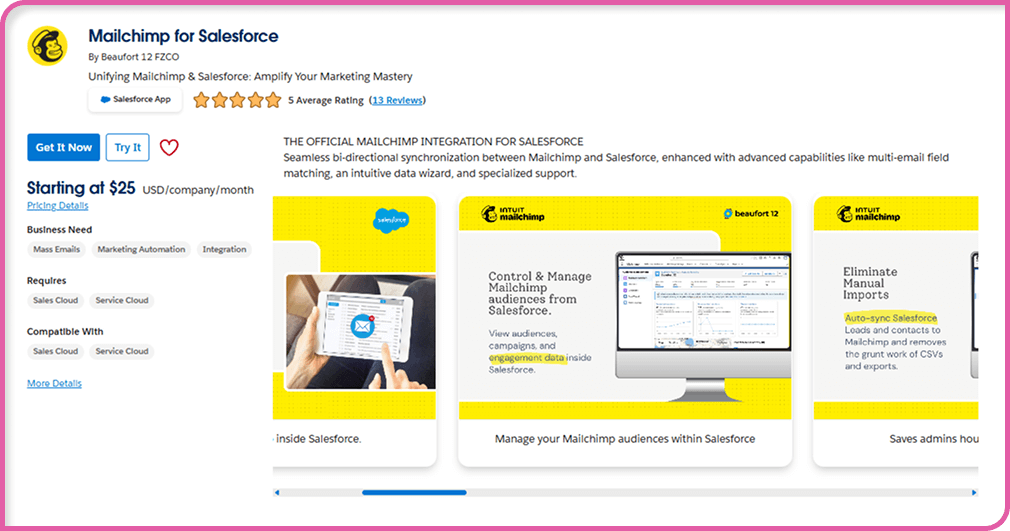
Mailchimp for Salesforce
Best for ⮕ Teams sending steady email campaigns.
Mailchimp’s connector pulls your Salesforce lists straight into Mailchimp. No exporting. No “which list is correct?” guesswork. When someone opens or clicks an email, that activity comes back into the record so sales isn’t left wondering how a prospect engaged.
Key features:
Syncs Salesforce contacts into Mailchimp
Sends engagement activity back to Salesforce
Easy list building and segmentation
Good for newsletters and simple automations
Slack Integration
Best for ⮕ Teams that talk in Slack all day.
Most conversations happen in Slack already. This integration brings Salesforce updates into those chats. A record changes? Slack shows it. Someone asks about an account? Pull it in and talk it through there instead of switching between screens.
Key features:
Push Salesforce updates into Slack channels
Share records inside conversations
Helpful for quick decisions
Reduces back-and-forth between tools
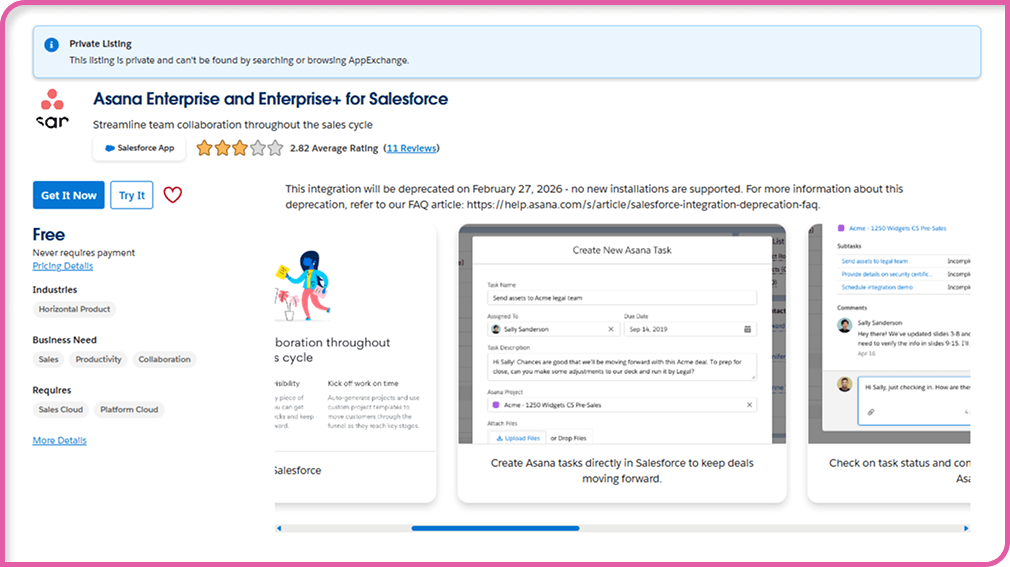
Asana for Salesforce
Best for ⮕ Teams with lots of moving pieces and no clear owner for tasks.
Campaigns fall apart when tasks hide in notes or someone forgets who was supposed to follow up. Asana turns those loose ends into real tasks tied to the Salesforce record that created them. It keeps small jobs from disappearing.
Key features:
Tasks linked to Salesforce records
Automated task creation from CRM changes
Easier handoffs between marketing and sales
Keeps campaign steps visible
Qualified
Best for ⮕ Teams handling high-intent website traffic.
Qualified sits on your site and lets reps talk to visitors in real time. Because it’s connected to Salesforce, the rep can see who they’re talking to instead of guessing. It cuts down the delay between interest and conversation.
Key features:
Live chat tied to Salesforce data
Routing based on account or visitor behavior
Shows reps useful context during chats
Strong fit for inbound or ABM efforts
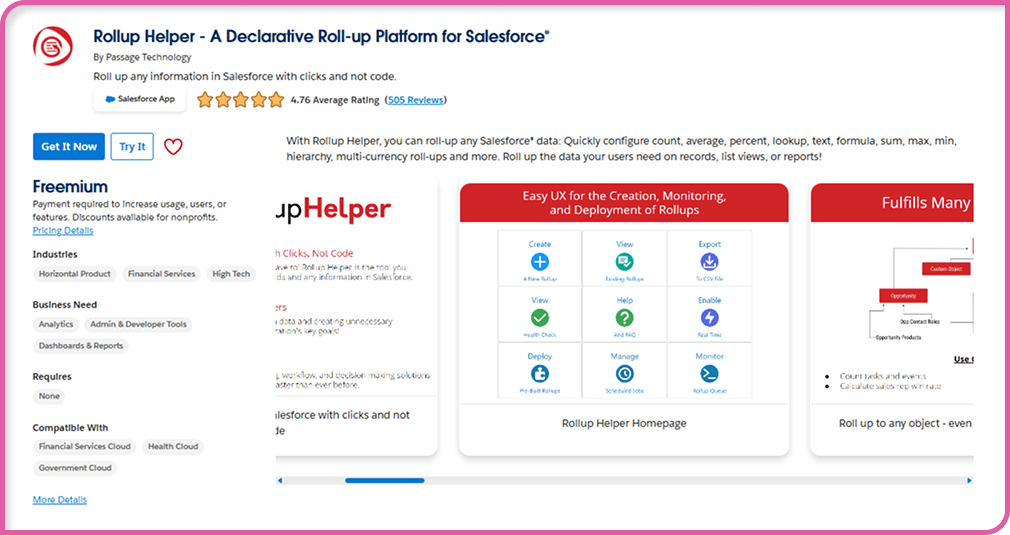
Rollup Helper
Best for ⮕ Quick reporting fixes without formulas.
Sometimes you just need a number pulled into a field: totals, counts, anything basic, and you don’t want to write a formula or build a flow for it. Rollup Helper as an AppExchange app that does that one job really well, and that’s why marketers use it.
Key features:
Rollups without code
Works across many objects
Helpful for dashboards and KPIs
Saves time on repetitive reporting setups
Integration & Workflow Automation Salesforce Apps
Most teams hit a moment where the problem isn’t Salesforce at all, it’s everything orbiting around it. Billing has one number, support has another, and someone is still hanging onto a spreadsheet that doesn’t match either one. That’s usually the point where people say, “Okay… we need something to tie all this together,” and they start checking out integration tools. These are the Salesforce third party apps and AppExchange apps people lean on when things drift a bit too far.
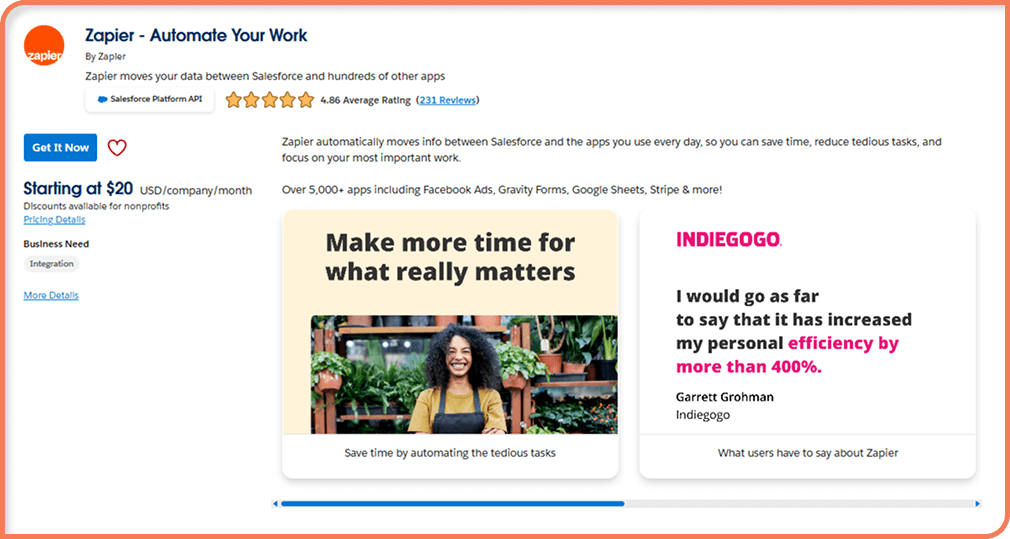
Zapier
Best for ⮕ quick, light automation work.
Zapier’s kind of the tool people reach for when they just want something connected without thinking too hard about it. You set a little rule, and it runs with it. Nothing fancy. It just does the job and doesn’t need anyone hovering over it.
Key features:
Easy triggers/actions
Lots of connected apps
No real setup time
Great for repetitive tasks
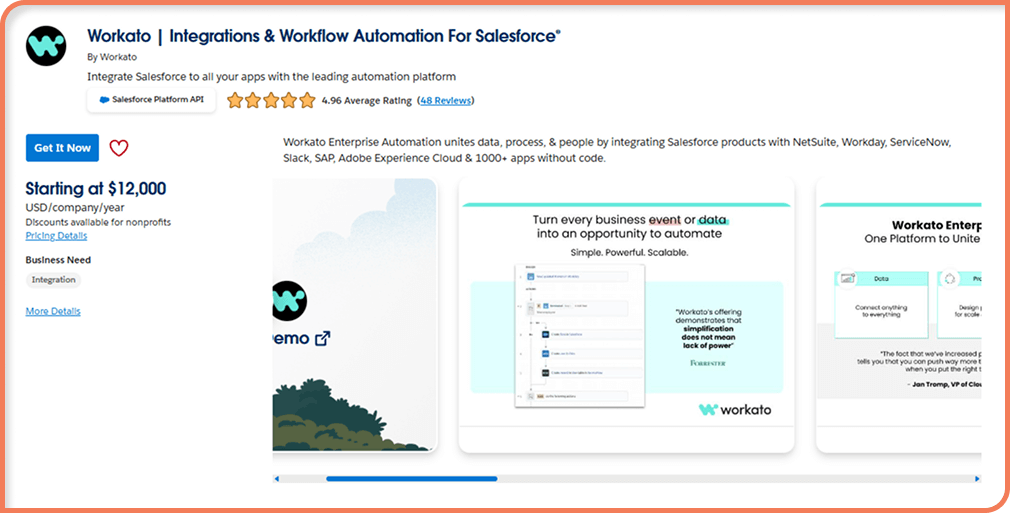
Workato
Best for ⮕ teams with workflows that bounce between multiple departments.
Workato is the Salesforce application people reach for when Zapier starts to feel too small. It handles bigger processes; the ones that stretch across sales, finance, HR, maybe even support. Once it’s running, it stays steady in the background.
Key features:
Handles long, multi-step flows
Connectors for big systems (ERP, HRIS, etc.)
More control over logic
Good for “set it and leave it” automations
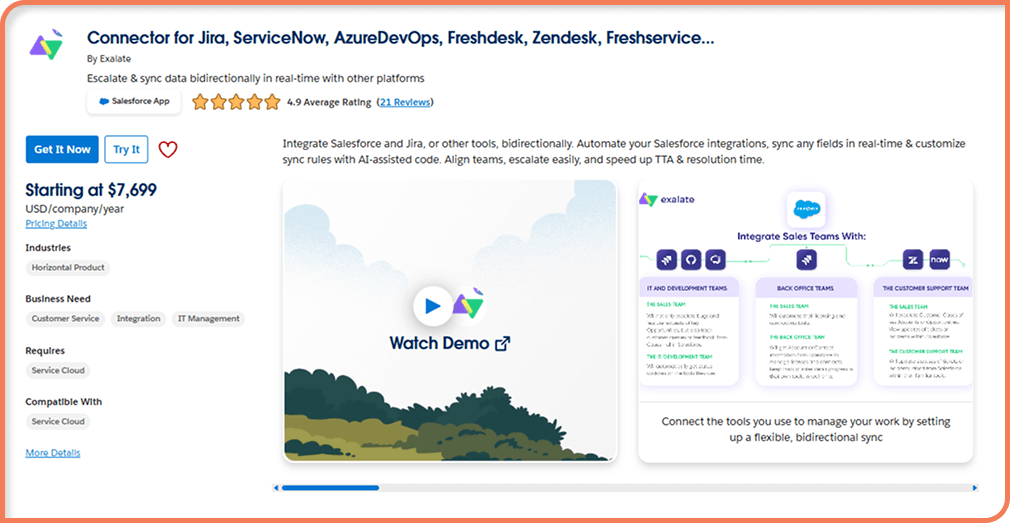
Exalate
Best for ⮕ teams that need two systems to stay in sync rather than one-way pushes.
Exalate the name on this Salesforce apps list built for situations where Salesforce is on the table, and so is Jira, or ServiceNow, or something similar, and everything needs to match without copying notes over manually. It syncs both directions and avoids the usual double-entry mistakes.
Key features:
Two-way sync
Custom rules for different teams
Works well with dev/support tools
Reliable even with constant updates
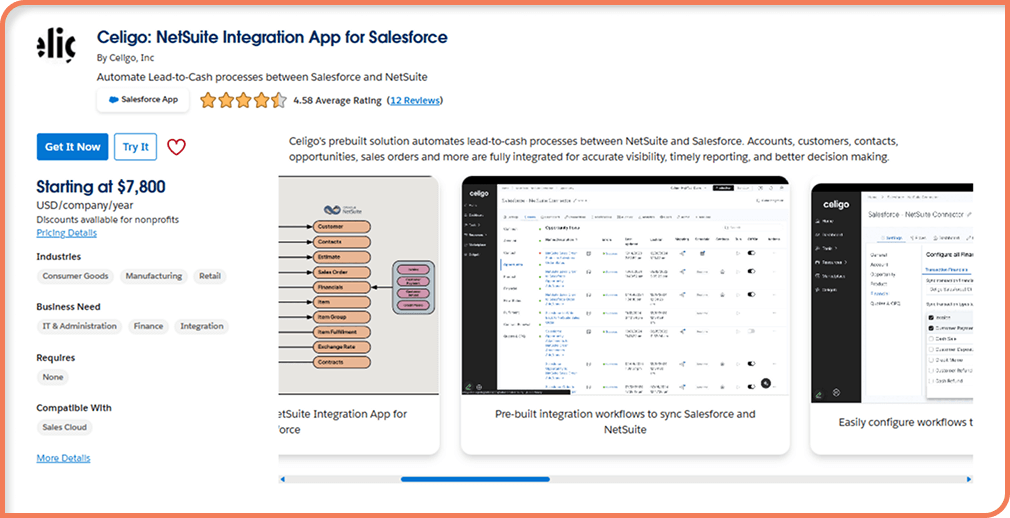
Celigo
Best for ⮕ finance and operations teams that rely on accurate numbers.
Celigo often shows up in companies with systems like NetSuite or SAP. It keeps Salesforce and those tools aligned so you’re not comparing screenshots or swapping updates at the end of the day.
Key features:
Good ERP integrations
Pre-built flows for common processes
Smooth, predictable data movement
Useful for revenue and ops reporting
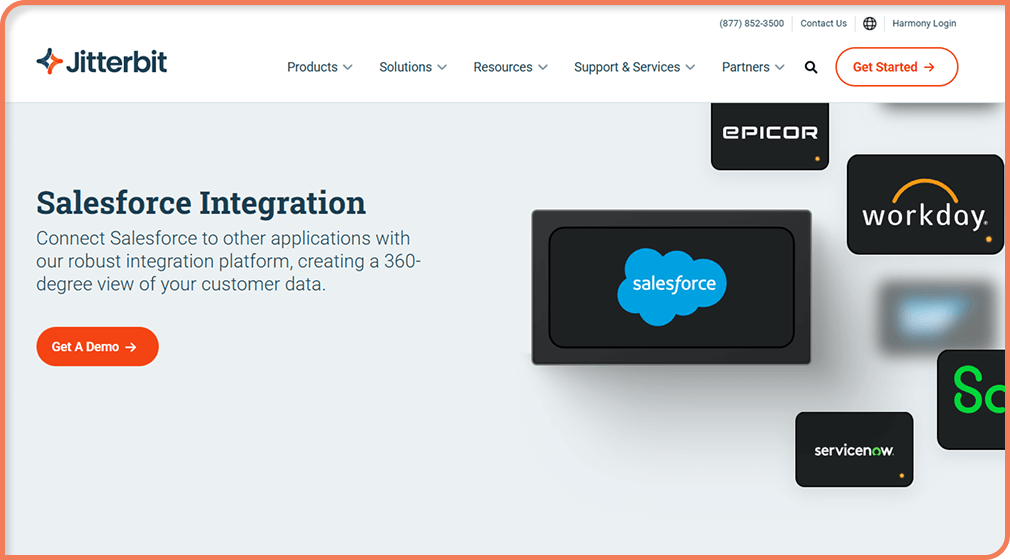
Jitterbit Harmony
Best for ⮕ companies with a weird mix of older tech and newer cloud tools.
Jitterbit handles the awkward situations: old systems that still matter, new systems the company adopted recently, and a lot of data moving between all of them. It’s flexible, and it holds up under heavier loads.
Key features:
API tools for custom setups
Handles large imports/exports
Works in hybrid environments
Lots of customization available
Salesforce Applications for AI & Insights
AI inside Salesforce doesn’t feel like a “big project” anymore (as you can see in our Salesforce AI guide). Most teams use it in small ways, for a hint about the next task, a reminder that someone hasn’t been followed up with, or a quick read on whether a support conversation is going off track. A lot of that happens through salesforce apps that just slip into the day and help without making a fuss.
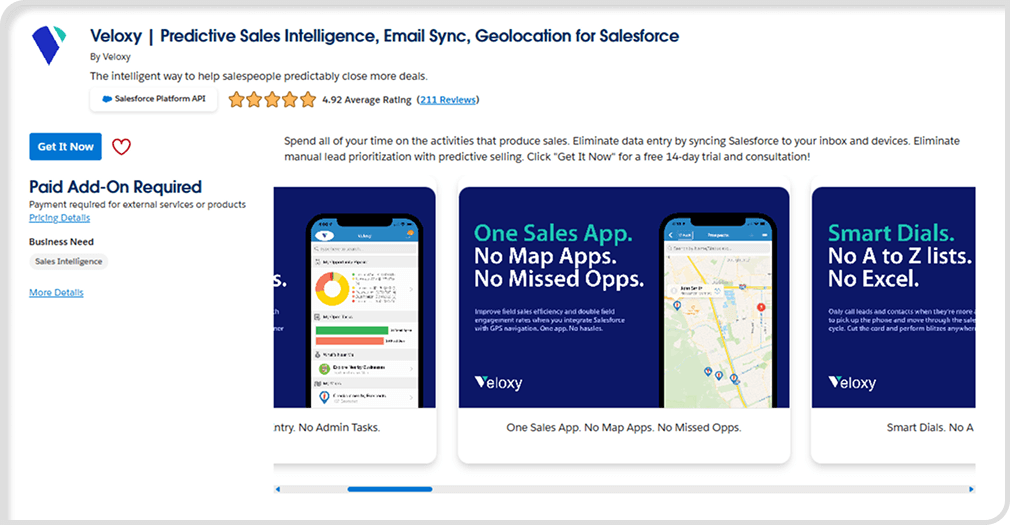
Veloxy
Best for ⮕ Reps who just want gentle reminders instead of another full tool to study.
Veloxy does small things: little nudges, prompts, helpful suggestions, especially when someone is busy and losing track of tasks. Nothing heavy. Just enough to keep momentum going.
Key features:
Follow-up nudges
Email/call prompts
Lightweight insights
Mobile-friendly
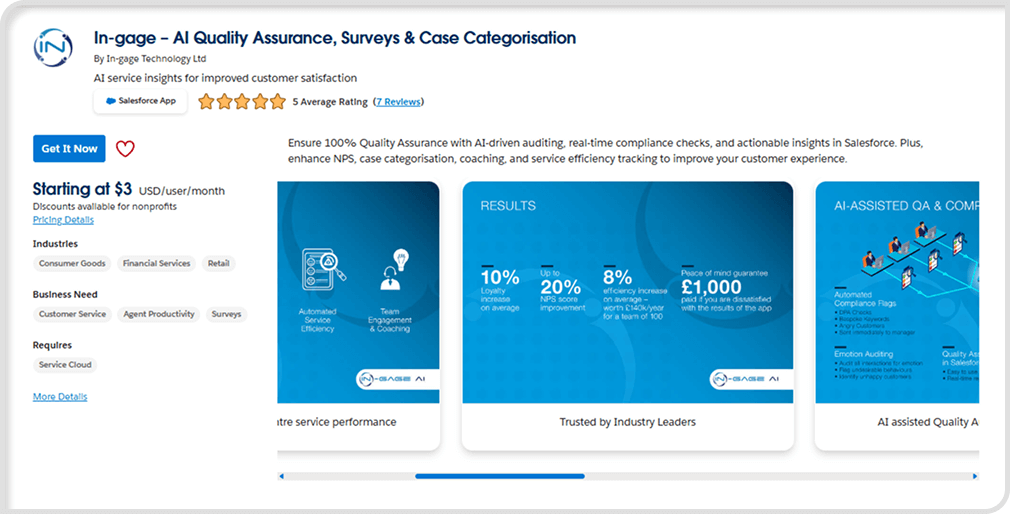
In-gage AI QA
Best for ⮕ Teams that want quick insight into case quality.
In-gage helps managers understand conversation patterns without spending hours reviewing calls or messages. It highlights the interactions worth a second look so coaching happens earlier.
Key features:
AI-based case quality insights
Conversation pattern detection
Coaching recommendations
Trends and scoring over time
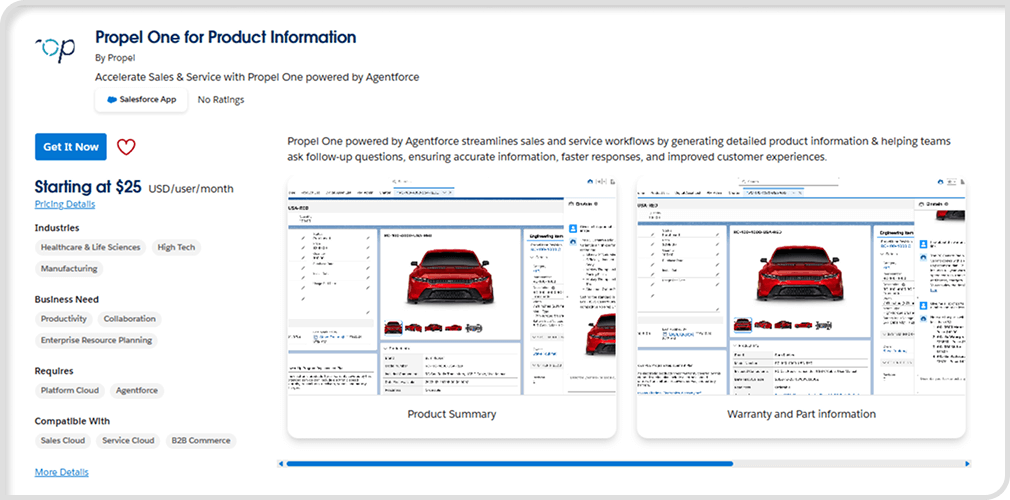
Propel One
Best for ⮕ Teams bogged down by lots of tiny, repeated tasks.
Propel One steps in to handle the pieces people do over and over. These aren’t big workflows, just the everyday steps that slow things down more than they should.
Key features:
Automates routine tasks
Background process execution
Reduces repetitive admin work
Helps teams focus on real priorities
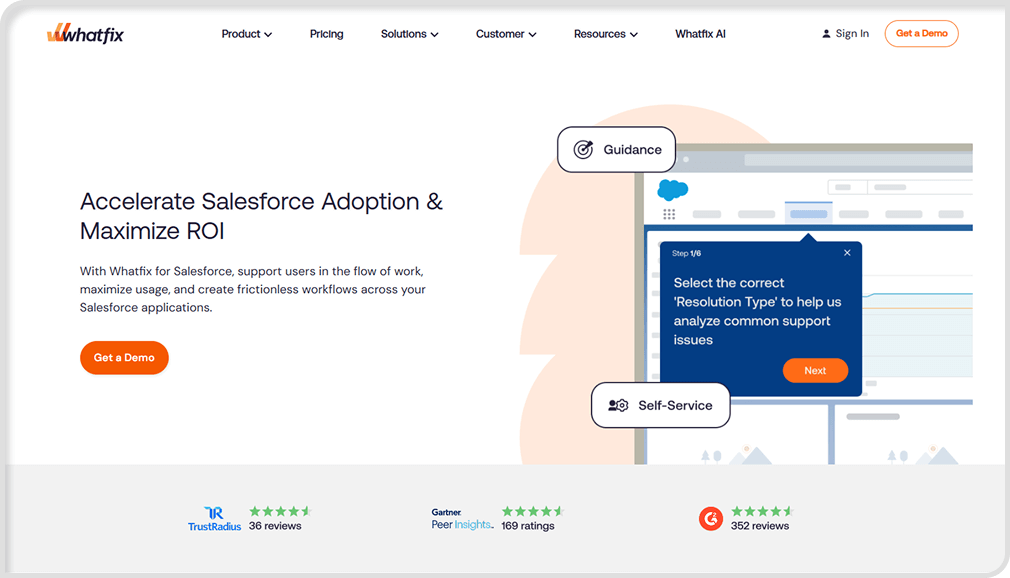
Whatfix
Best for ⮕ Onboarding new users or rolling out changes that confuse people.
Whatfix shows guidance right inside Salesforce so users don’t need a manual or a training call just to navigate something that changed last week. It cuts down on the “wait, what do I do here?” questions.
Key features:
Step-by-step in-app guides
Onboarding flows
Contextual help
Reduces training time
Bring AI Into Your Salesforce Flow
If you’re trying to sort out where AI actually fits into your Salesforce setup, we can walk through it with you. Simple explanations, real examples, and a plan that doesn’t disrupt the work your team already does.
Choosing the Best Salesforce Apps for Your Business
There’s no perfect Salesforce apps list that fits every company. Two teams can run the same setup and still need completely different tools. A lot of it comes down to the stage you’re in and what’s slowing people down the most.
Some quick things that usually help teams sort it out:
Start with the real problems: If your service team is buried in follow-ups, that’s one direction. If sales is jumping between tabs all day, that’s another. Most companies only need a few Salesforce applications to make a noticeable difference.
Know where data lives: Some Salesforce apps keep everything inside Salesforce. Others store pieces somewhere else. There’s nothing wrong with either option, but it’s worth paying attention to, especially if your industry has rules about where info can sit.
Check the vendor: Do they update their AppExchange app often or does it sit untouched for months? Do they help when people run into issues? Real feedback from actual users tells the story better than any sales page ever will.
Try the sandbox first: Most SDFC applications let you test them. Install it, see how it feels, break it a little, and check how it plays with your layout. You’ll know fast whether it’s a fit.
Watch for app sprawl: It’s easy to install ten things when only three are doing the real work. Every year or so, it helps to clean house. Turn off the tools nobody uses anymore. It keeps the org light.
If you reach a point where your team needs something oddly specific, something you can’t find, that’s usually when you’ll explore AppExchange development services to build a cleaner, custom fit.
Let’s Make Salesforce right for you
If you’re still struggling to choose the top Salesforce apps for your team, or you need something custom, contact us. We offer consulting, strategy workshops, and technical guidance to help teams customize their Salesforce experience.
Quite a lot, honestly. Most tools people use every day: email, billing, support systems, calendars, project boards,, usually have a connector or a workaround. If you check the AppExchange, you’ll see page after page of Salesforce apps examples that tie into different parts of the CRM.
Smaller teams tend to keep it simple. Rollup Helper for quick numbers. Zapier for the tiny automations nobody wants to do manually. Mailchimp if email’s a big part of outreach. Mogli for texting. Asana if you want tasks that don’t disappear.
Some, yes. A bunch are paid. A few sit somewhere in the middle with limited free plans. You’ll see the price before you install anything, so there’s no surprise bill later.
Most of the time, no. A lot of Salesforce applications install with just a few clicks. But if the app touches something sensitive: data sync, invoices, approvals, anything like that, it helps to have someone technical nearby to help.
You can, yeah, but most people don’t go that route. It’s usually easier to add one, take a quick look around, and just see how your org reacts. If everything still behaves, then sure, go ahead and try the next one. When you toss a few in together, it gets confusing fast and you’re stuck trying to figure out which one caused the odd behavior.
Build Your Salesforce Plan With Us
If you’re exploring a custom Salesforce setup or you want help shaping the right approach for your team, we’ll walk through it with you. You’ll get practical advice, clear steps, and guidance that matches how your business actually works.
Your vision, our experts - adaptable teams for every need.
Support at any stage
Always there for you - support through every phase.
Among Our Clients:
×
Thank you for your message!
Look out for our quick follow-up!
×
Nearly done!
It looks like some fields need to be reviewed and corrected. Please fix the highlighted errors and resubmit.
Should Salesforce be your next big move?
By clicking “Accept All Cookies”, you allow us to use cookies on your device to improve site navigation, track site usage, and support our marketing strategies. Learn more in our Cookie Policy & Personal Data Policy