

 Suomi
Suomi Français
 Deutsch
 Polski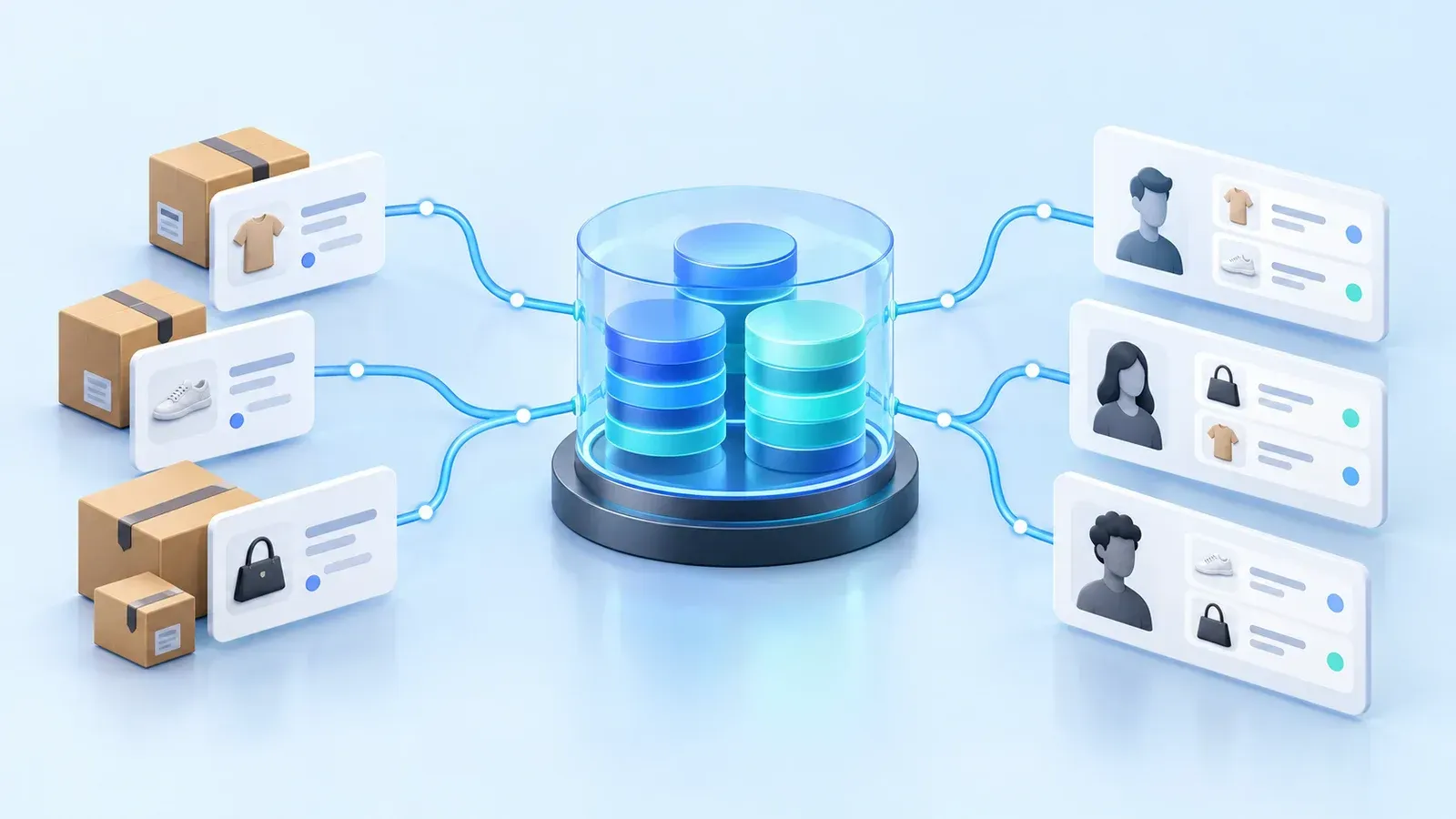
Client and industry
A European specialty retailer operated a network of stores and processed thousands of customer orders daily. Salesforce was central to order management and customer relationships.
Each order and its associated line items added to a growing historical dataset. The retailer needed to support new transactions while keeping previous purchases accessible to employees.
Challenges and business impact

Growing operational storage
Thousands of daily orders and associated line items increased Salesforce Data Storage consumption. Retaining the entire history created pressure to purchase more operational capacity.

Order history at risk during cleanup
Employees needed previous orders for customer service and reference. Removing legacy CRM records without preserving accessible history would take that purchasing context out of their workflow.

Archive retention and source deletion
Historical purchases needed to remain connected to customers after CRM cleanup. A connector-driven synchronization of source deletions could also remove records that the archive needed to preserve.
What we implemented and why
Routine Automation separated active order processing from historical data management. The integration used the Data 360 Ingestion API to control which records were created or updated, explicitly deleted, and preserved in the historical dataset.
API-controlled ingestion and retention
We used the Data 360 Ingestion API instead of the standard Salesforce CRM connector for the archive. The standard connector can propagate source-record deletions into Data 360, which conflicted with preserving order history after CRM cleanup. API-controlled ingestion gave the implementation explicit control over record creation and updates, deletion requests, and the history retained in Data 360.
Automated archiving before CRM cleanup
We transferred historical orders and their associated line items into Data 360 before removing eligible legacy CRM records after the defined period. Separating archive retention from operational cleanup allowed CRM storage to be managed without treating source deletion as an instruction to delete the archive.
Customer-linked history in Salesforce
We modeled customer entities and historical orders as engagement data in Data 360 and made that history accessible through Salesforce. This kept previous purchases connected to the customer records employees used for service and operational reference.
How order archiving preserves customer visibility
Historical orders move from operational CRM into Data 360 and remain available through Salesforce in customer context. Cleanup follows transfer; it is part of the data lifecycle, rather than a return of archived records to operational storage.
- Source data
Salesforce CRM orders
Ingest ordersActive order processing generates orders and associated line items. Historical transactions become the source for archiving.
- Integration layer
Salesforce Data 360
Access in CRMThe Ingestion API transfers historical orders and line items into a customer-linked dataset with explicitly managed creation, updates, deletion, and retention.
- Employee workspace
History in Salesforce
Employees access historical transactions in the context of customer records after eligible CRM records are removed.


Historical orders and line items are ingested through the Data 360 Ingestion API and remain accessible through Salesforce. Eligible source records are removed after transfer and the defined period; archive retention is managed separately from CRM source deletion.
Automated archiving and cleanup sequence
Transfer historical transactions
Use the Data 360 Ingestion API to transfer historical orders and associated line items before removing eligible source records, with explicit control over record creation and updates.
Preserve customer context and access
Associate historical orders with customer entities and keep the history accessible through Salesforce, so removing operational records does not remove employees’ access to previous purchases.
Remove eligible legacy CRM records
After transfer and the defined period, remove eligible orders and related records from operational CRM. Manage Data 360 deletion requests separately so order history selected for preservation remains in the archive.
Benefits and problems addressed
Controlled CRM storage growth
Transferring historical transactions and removing eligible legacy records reduces their accumulation in standard Salesforce storage. Active order processing does not require the complete historical dataset to remain in operational objects.
Continuous order visibility
Previous orders remain accessible through Salesforce alongside the relevant customer information. Employees can review purchasing history after eligible operational records have been removed.
Controlled historical data retention
API-controlled ingestion separates archive retention from source-record deletion. The automated lifecycle provides control over which historical records are created, updated, deleted, or preserved while keeping purchases connected to customers.
A foundation for future integrations
The implementation established a reusable integration foundation. Additional ERP systems, CRM environments, e-commerce platforms, and analytics applications are potential extensions requiring their own integration work.
Segmentation, purchasing analysis, calculated insights, and AI-assisted interactions are also future possibilities, not capabilities delivered in this project. The supplied account reports qualitative outcomes; it does not provide measured storage reductions, cost savings, or performance improvements.
Result
Routine Automation implemented automated order archiving and CRM cleanup using Salesforce Data 360 and its Ingestion API. The retailer gained control over operational storage growth and historical record retention while keeping previous orders and line items connected to customers and accessible through Salesforce.